How Stripe Structures Its Video Documentation
Stripe uses video for announcements and live demos, not tutorials embedded in reference docs.
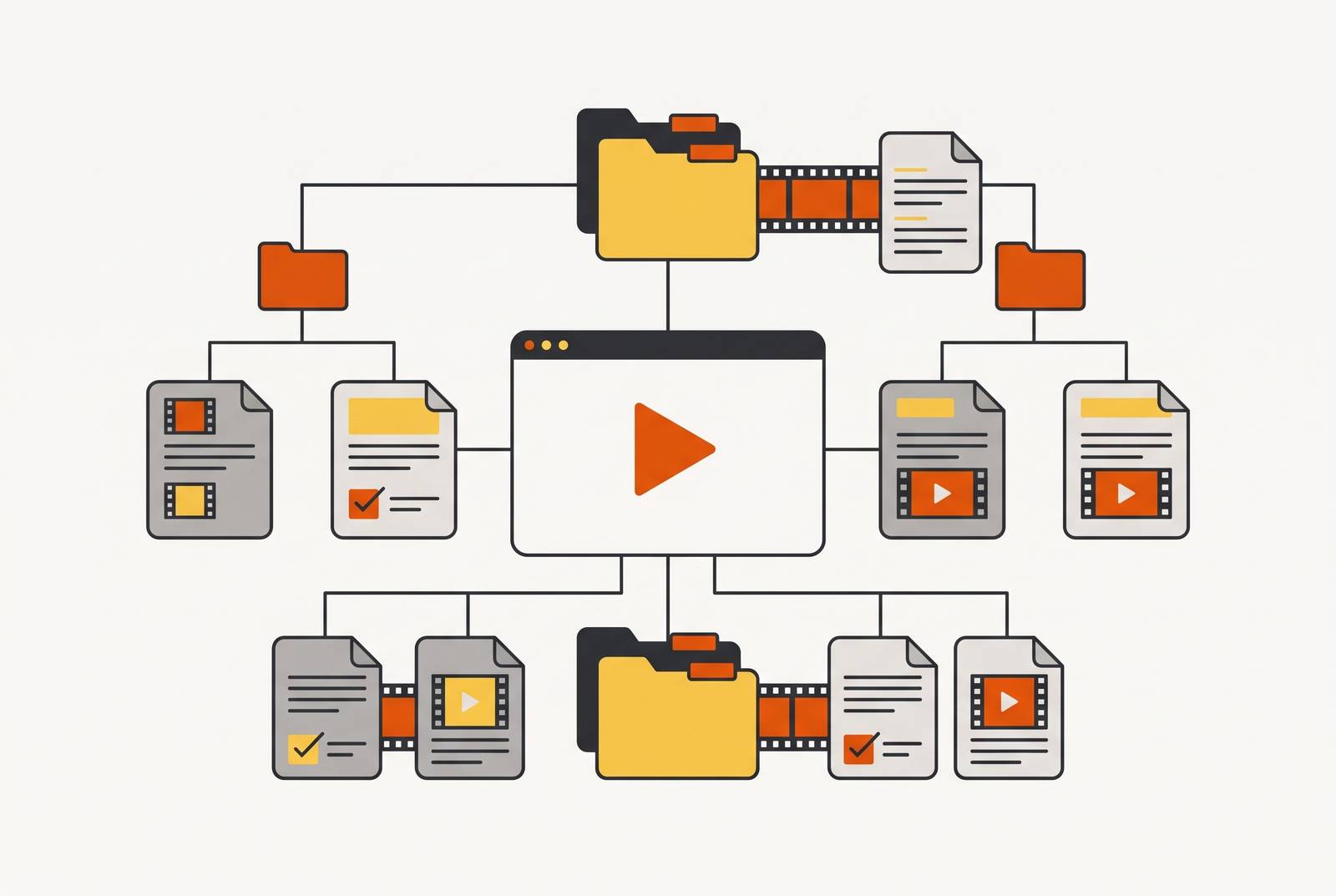
Stripe uses interactive text for the technical work and video to make announcements, give live demonstrations, and build shared momentum. For SaaS teams, the lesson is to choose the format that does the job best, rather than make developers watch something they need to run.
What Stripe's documentation architecture actually looks like
Stripe’s technical docs are built around a three-column architecture that connects navigation, explanation, and code. Search and sidebar navigation let developers narrow their view to one product and drill into the task at hand. The right pane adapts to the developer’s chosen language, so the example matches the context in which they are working. Hovering over a paragraph highlights the corresponding code line in that pane.
That connection extends from reading to execution. For many endpoints, developers can paste a test API key into the docs and run a live call. The response renders inline, keeping the result next to the material that explains it. This closes the integration loop inside the document itself. A developer can move from understanding a request to running it without treating the page as a departure lounge for another resource.
Underneath that interface, Stripe treats its docs as software. They are built on Markdoc with custom components, conditionals, and build-time validation. Broken links and missing components fail the build. The document is therefore more than a block of instructions with an example attached. It is a working interface whose prose, code, and controls carry the technical task together.
Where video actually appears in Stripe's documentation ecosystem
Against that technical foundation, Stripe’s video output occupies a few high-visibility formats, including annual conference keynotes, product announcements, and live developer sessions. Its center of gravity is not tutorial walkthroughs embedded in reference pages. Sessions, Stripe’s annual conference at Moscone West in San Francisco, is its main event for video. Sessions 2025 was 32% bigger than the previous year, underscoring the scale of the conference format. The keynote recordings let people watch the event even if they were not in the room.
The Sessions 2025 opening keynote addresses the future of commerce. The product keynote frames AI and stablecoins as twin platform shifts and the biggest tailwinds to business growth in a generation. The developer keynote covers AI-assisted API design, business logic automation, and third-party integrations. It also includes a conversation with Michael Truell, cofounder and CEO of Cursor. These are broad discussions of what developers and businesses can do next.
The Sessions 2026 main page serves as the hub for that year’s session videos. Its developer keynote looks at what changes when an agent sits between the developer and the API, including discovery, behavior verification, and trust enforcement. Across the keynote recordings, a preview plays freely, but the full video requires a work email, first name, last name, company, and country/region. That registration wall makes video a lead-capture and community asset. Meanwhile, Sessions 2025 Developer Track resources on the Stripe dev blog has written material to go with the videos, so readers can use it as a reference separate from the recordings.
Why video is gated and bounded rather than embedded throughout the docs
The division makes sense because a keynote and an API reference have different jobs. A keynote builds momentum, conveys scale, and gives an audience a frame for understanding a platform shift. A reference page helps one developer solve a particular problem. Stripe’s choices support the reading that this boundary is deliberate.
The 2026 developer keynote makes the distinction especially clear through a live demonstration. While the presenter is on stage, a coding agent removes a public preview badge from live production documentation. The audience is watching a capability exercised during the event, with the action and the claim occupying the same moment. Written as a procedure, the sequence would lose precisely what makes it compelling.
Gating helps Stripe stay in touch with people who watch the conference and keep them connected to its developer ecosystem. The recording remains available as a community asset, while registration captures the viewer’s interest. Keeping those recordings separate also leaves the open technical reference layer free of keynote interruptions. Registration asks for a commitment from a conference viewer, while the docs let a developer get on with an integration.
Still, the obvious objection deserves an answer. Short tutorial videos embedded in the docs could help someone see a workflow before trying it. But Stripe’s three-column design already connects the explanation to language-aware code and a live call. A linear video cannot participate in that bidirectional highlighting or adapt its recorded example to the developer’s current context. It introduces a static object into a running loop, asking the developer to stop interacting and start watching.
What the Sessions keynotes reveal about how Stripe produces video at this level
Within its chosen formats, Stripe uses clean motion design, brand-restrained UI walkthroughs, and live demonstrations that perform the product. A smaller stage for video can still have very good lighting. What matters is that the production serves a job the docs do not already handle.
The Sessions keynotes use clear announcement arcs to give that production a direction. Their opening framing positions Stripe’s customers as dramatically outpacing broader market benchmarks, then moves through product reveals in a sequence that builds momentum. The reveals support the larger account of where the platform is going and why that direction matters. This gives the audience a reason to keep watching beyond the next interface shot.
The 2026 demonstration adds a more exact production choice to that structure. Its team-chat-to-agent workflow shows the agent finding the public preview badge for a feature that had gone GA and removing it while the presenter is mid-keynote. The action gives the claim something concrete to stand on. It also explains why the demonstration belongs in a keynote, where timing and visible performance can carry meaning.
A short preview must give people enough reason to sign up, and the full session must be worth watching once they have done so. Speakers from Stripe’s engineering and product organization give the developer keynotes the character of a peer exchange. External guests, including Michael Truell at Sessions 2025, join that conversation.
How AI is shifting the calculus that made this architecture sensible in the first place
The architecture’s next pressure comes from a change in where developers begin. The Sessions 2026 developer keynote states that many developers now start an integration with an AI editor. That challenges the assumption that a human first reads the documentation to build context and then writes code. It changes who, or what, may encounter the underlying reference first.
The keynote treats the agent between the developer and the API as a condition that changes discovery, behavior verification, and trust enforcement. Those are deeper concerns than how to explain a feature on camera. If an AI editor already has the API reference loaded, a tutorial explaining that feature may answer a question the developer is no longer asking in the same way. The agent now needs to find the product, understand how it behaves, and act within the right boundaries. More narration for people cannot, on its own, help the agent do those things.
The keynote presents agents as tools its engineers use to commit code, remove feature flags, and do cleanups. By showing agents at work now, Stripe is setting out the working pattern it expects developers in its audience to follow. The performance matters because it makes that pattern visible to the people in the audience. A human can assess the significance of seeing the work happen even when an agent performs the work itself.
This gives teams another reason to weigh how much they spend on videos that explain technical steps. Structured text can serve a machine-mediated workflow in a way that a linear walkthrough cannot. Yet the keynote does not establish that human learning or video will disappear, and that would be too large a conclusion to draw. Instead, Stripe’s combination of interactive docs and performative video gives each format a sharper role under changing conditions. The reference supports the work, while the event helps people understand what the new way of working means.
The replicable framework for when SaaS teams should and shouldn't use video in their documentation
The practical rule is to use video where watching adds something that text or interaction cannot reproduce. Use interactive text where the developer needs to interrogate, adapt, or run something. That distinction is more useful than a target for how many documentation pages should contain recordings.
When there is something to announce, video can help an audience build shared momentum. Conference keynotes, product reveals, and explanations of platform shifts all benefit from a sequence that guides people toward a larger point. The audience is there to understand why something matters. Live demos and agentic workflows also belong here when the product performs better than a description explains it. UI walkthroughs can earn their place when brand and motion convey something that a written account would flatten.
Video has less to offer inside a technical reference layer that is already interactive, language-aware, and runnable. In that setting, a static walkthrough is weaker than a live call the developer can execute on the page. It shows one recorded path where the reader needs to work with their own context. Teams with that architecture should not interrupt it merely to offer another format.
For teams that lack Stripe’s engineering resources, though, video can provide help that their docs are missing. Even a smaller production needs the same care, with narration that names each action, captions that are up to date, and a recording resolution that keeps UI text crisp. “Select API access in the Settings sidebar” gives the viewer a usable instruction, while “click here” makes the cursor do all the explaining. Captions need updating whenever the recording changes. These basics matter because a walkthrough filling a documentation gap has to carry actual instructions.
Most SaaS teams also have no conference on the scale of Sessions, but they can use video for the same reasons on a smaller scale. An asynchronous product announcement sent to customers can create a shared frame for a release. An onboarding walkthrough for a new feature can show an experience, and a customer story recorded in one take can make presence count. None requires copying Stripe’s event budget or registration model. The transferable decision is simpler than that, namely video where presence and performance matter, and text where the developer needs to interrogate and run.