Centralizing Screen Capture Tools Across a Documentation Team
Governance and naming conventions matter more than the tool you choose.
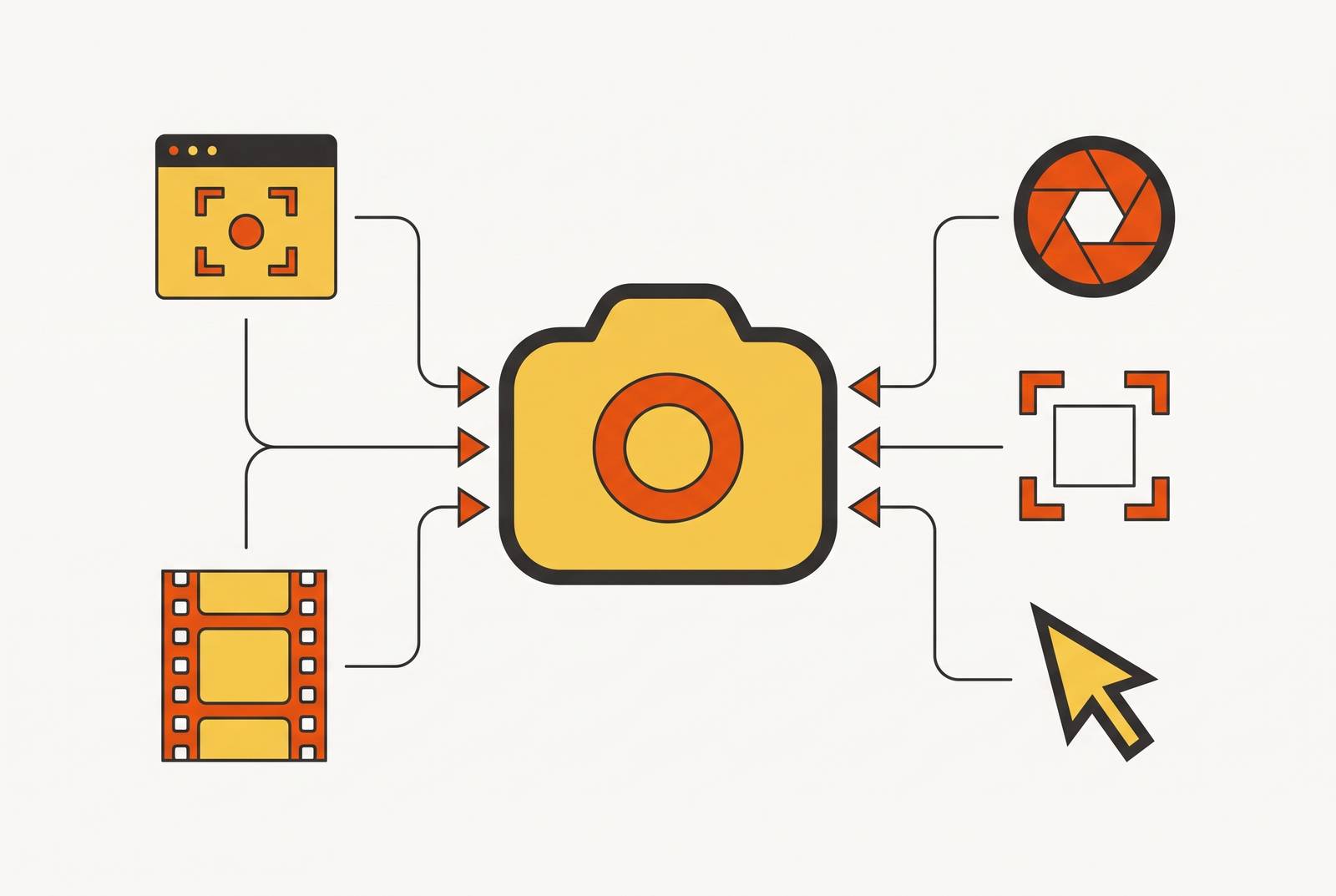
Picture the new hire on day three, trying to figure out step 7 of a 12-minute onboarding process, scrubbing through someone's unedited screen recording like it's an old tape with no chapter markers. That's what a fragmented screen recording library actually feels like from the inside, and it happens on an ordinary Tuesday, not in some hypothetical edge case.
The problem builds itself, one reasonable individual choice at a time. One person records on their laptop's built-in tool, another downloads something free off the internet, a third uses whatever their last company used. Nobody's wrong, exactly, but the result is a pile of files with no shared naming convention, no quality bar, and no home except whoever's personal Google Drive happened to be open that day. Three pressures make this worse every quarter. Products change faster than a written SOP can keep up with, so text documentation goes stale while video has to fill the gap. Distributed teams need answers at 11pm their time. Self-service video has to do the job a coworker used to do over Slack. And AI has made video production easy enough that people with zero editing background are now recording constantly, which sounds like progress until you realize more recordings without more structure just means more hay around the same needle.
Walk into one of these libraries and here's what greets you: a 40-minute recording nobody has opened since the day it was made, a critical process explanation buried six months deep in a Slack thread, an outdated file sitting in someone's personal folder because they left the company and took the context with them, and a video with no tags, no transcript, and no title that tells you what's actually in it. A recording only earns its keep when three things are true. Someone has to be able to find it. They have to understand what it covers without watching the whole thing front to back. And they have to trust that it still reflects how the process actually works today, not how it worked when the SOP was written. A fragmented library fails all three at once, which is a neat trick for something that started as a shortcut.
Governance as a problem before tooling
Most teams, once the fragmentation gets painful enough to notice, go shopping for a tool, standardize on the same software, feel a sense of relief, and declare the problem solved. Six months later, the library looks exactly the same, just with one brand name on all the file icons instead of five. A shared tool guarantees everyone's files open the same way. It does nothing to guarantee anyone named those files consistently, scoped them the same way, or stored them somewhere searchable.
The tool is the pipe. Governance is what decides what flows through it. If two people on the same team each record a walkthrough of the CRM, governance decides what to call the file, how long it should run, what quality bar it has to clear, and where it lives once it's done. When that layer is skipped, the switch to a unified tool becomes lateral movement dressed up as progress: the team traded five inconsistent systems for one consistent app running five inconsistent processes.
Four things make up that governance layer, and all four have to exist before the first new recording gets made under the new system. A naming convention that encodes department, task, and date, so a file called Sales-CRM-Log_New_Lead-2026-[DD] tells you what it is before you click it. A style guide that sets the floor on resolution, length, narration, and how real (or fake) the data on screen is allowed to be. A shared storage system with access controls, version history, search, and comments, built on something the team already trusts, like a shared drive or a wiki. And a defined post-recording workflow, so review, trimming, tagging, and archiving happen as steps everyone follows, not as whatever the recorder feels like doing that day. None of that requires a single new app. All of it requires a decision, written down, that the team actually follows.
How recording standards look in practice
Standards decide whether a recording is one someone can use today or one that's quietly expired without anyone noticing. A recording made under real standards is still useful in six months. One made on vibes usually isn't.
Scope comes first. One recording covers one task, full stop on the editing but not on the thought: "Creating a New Customer Account" and "Assigning a Success Manager" are two separate files, not two chapters crammed into one. That keeps each recording short enough to actually finish watching and specific enough to actually answer the question someone had. Length follows from scope. General-purpose content stays short and tight; anything that threatens to sprawl gets broken into sub-processes, each one recorded, named, and filed on its own. A quality floor applies to all of it: 1080p resolution, a frame rate that doesn't stutter, and narration you can actually hear over whatever's happening in the background.
Narration style depends on what's at stake. For most SOPs, a bullet-point outline works better than a full script, because it gives the recording structure without making the narrator sound like they're reading a hostage statement. Full scripts get reserved for compliance-critical processes, where the wording itself matters and improvisation is a liability, not a style choice. Data on screen should never be real. Real customer records, employee details, financial numbers, none of that belongs in a recording that might get shared more widely than intended. Stand-in data that mirrors the real fields does the job without the risk. And naming ties it all together: department, task, date, applied without exception, so something like Sales-CRM-Log_New_Lead-2026-10-26 tells a reader what's inside without making them open it first. Once a recording wraps, a short checklist runs every time: quality check, trim the dead air, add a description and tags, file it in the one place it belongs. None of this is a judgment call made fresh each time. It's a decision the team made once, at the top, so nobody downstream has to guess.
AI editing features and the barrier to meeting standards
Inconsistent video quality was never really a motivation problem. Most people documenting a process were trying their best. The real obstacle was that editing video has always demanded skills, timelines, cuts, audio cleanup, that most documentation writers never had reason to learn. AI editing is what finally closes that gap, and it does it by changing the interface itself: instead of scrubbing through a timeline hunting for the right frame, the transcript becomes the editing surface. Deleting a sentence of text makes the matching footage disappear with it. That single shift opens video editing up to people who have never touched a timeline in their life and have no plans to start.
A lot of what used to require a dedicated editor now happens automatically inside documentation-friendly tools. Transcription and captions generate themselves. Filler words and dead silence get trimmed without anyone hunting for them frame by frame. Audio gets cleaned up without anyone opening an equalizer. Footage reformats itself for whatever channel it's headed to, and tools can isolate a speaker from a messy background without a green screen in sight. None of that replaces judgment. Deciding how to pace an explanation, what a genuinely confused new hire actually needs to see, and which step deserves extra emphasis still takes a human who understands the process. AI handles the mechanical grind so that judgment has room to matter.
For teams that want a real editing timeline but don't want to fight a professional-suite learning curve to get it, tools like Wondershare Filmora pair desktop control with automation over the parts beginners usually dread, like audio cleanup, captions, and subject isolation. That combination matters for the governance argument specifically: once the mechanical cost of hitting the style guide drops, there's no longer a good excuse for skipping it. A naming convention or a length limit is easy to enforce when meeting it doesn't require a film degree.
Shared storage and team workflow features to require from any centralized tool
A recording can clear every quality standard on the list and still be dead weight if it's sitting somewhere only its creator can find. Standards and editing solve the recording itself. Storage and workflow solve whether anyone else ever benefits from it.
Shared storage needs to support real access control, so people can find a recording without needing edit rights to everything in the library. It needs search that covers file names, tags, and ideally the transcript text itself, because nobody should have to remember the exact title of a file from eight months ago. It needs version history, so when a process changes, the outdated recording gets archived instead of deleted outright, and the new one is clearly marked as current. It needs comments or annotations, so a reviewer can flag a problem without downloading the file, fixing it locally, and re-uploading a new copy with a slightly different name. It also needs to live inside tools the team already uses day to day, whether that's Google Drive or Workspace, OneDrive or SharePoint, Dropbox Business, Confluence, or Notion, so nobody has to add one more login to the rotation.
Workflow features matter just as much as storage, because they're what keep the standards from depending on memory. Shared recording presets, saved once and handed to every team member, keep the style guide inside the tool itself, so people don't have to remember to reread a document. Shared editor templates keep zoom timing, transitions, and captions consistent enough that two recordings made by two different people still look like they came from the same team. There's a simple test for whether any of this is actually working: can a new hire who's never seen the library before find the recording they need in under two minutes, with nobody's help? If the answer is no, the infrastructure isn't done yet, no matter how nice the recordings themselves look.
Evaluating tools against the centralization requirements just established
The right tool for this job is the one that enforces the governance layer by default, not the one with the most checkboxes on its pricing page. Five questions decide that, and the answers determine how fast a recording goes from captured to shareable and whether the team ends up with an actual shared system or just a personal habit. How fast does a recording go from captured to shareable, since friction here kills adoption faster than any policy memo will fix it. What does the tool actually produce, video, written steps, or both, and does that match what the team's audience actually prefers to consume. Can a mistake get fixed without re-recording the whole thing from scratch, because nobody sticks to a workflow that punishes small errors with a full redo. What happens when the process changes, can one clip get updated on its own, or does a UI tweak somewhere force a rebuild of half the library. And does the tool offer real team features: shared presets, access controls, a searchable library, version history, the stuff that turns a personal recording habit into an actual shared system.
Different tools answer those questions differently, and several of them fit a specific slice of the job well without covering the whole thing. Scribe and Tango turn browser-based clicks into fast, scannable written guides, which is what plenty of SOPs need and video doesn't always improve on; they're a weaker fit once the workflow leaves the browser or the deliverable has to be video. OBS Studio is free and about as configurable as screen recording software gets, which is a real strength for teams with technical staff who don't mind managing scenes and audio routing by hand, but that same complexity makes it a poor match for a team where everyone is expected to record without training. ShareX on Windows and QuickTime on macOS are fine lightweight defaults for a quick one-off capture, but neither one was built with editing, sharing, or team libraries in mind, so they work best as supplements to the system the whole team lives in. Adobe Premiere Pro sits at the other extreme: a full professional editing suite that makes sense for teams already inside the Adobe ecosystem with dedicated editors on staff, but the learning curve and the per-seat cost are more than most documentation workflows need to carry. None of these are wrong choices in isolation. The evaluation only makes sense once a team is honest about which of the five questions actually matters most for how they work.
How to measure whether the centralized system is working
A centralized system nobody measures drifts back toward the same mess it replaced, just more slowly. Governance needs a feedback loop, not just a rulebook sitting in a wiki that people stop reading after month two.
A few numbers tell the real story. Recordings created per month is a rough proxy for adoption: a drop after centralization means the new system is adding friction somewhere. Average recording length should trend toward whatever short-form standard the style guide set; if it doesn't, the scoping rule isn't being followed, so it's worth finding out why. View and access counts matter too, since a recording nobody watches isn't serving its purpose and may need a better title, a rewrite, or outright retirement. A 2026 analysis found remote workers spend an average of 1.7 hours a week just scheduling meetings, so a library that's actually working should start showing up as fewer meetings booked to answer questions the recordings already cover.
The numbers only tell half of it. Team feedback on whether a recording actually let someone finish the task, not whether it looked polished, matters just as much. A drop in follow-up questions after a recording gets shared is one of the clearest signs it did its job. Faster onboarding for new hires is a slower-moving but equally telling signal, since time to independent contribution reflects the quality of the library they learned from.
The sharpest test of all occurs when a product's interface changes. Count how many recordings need updating and how long that takes. In a well-structured library, one task per recording, consistent naming, real version history, that's a manageable afternoon of work. In a library that only looks centralized because everything happens to live in the same folder, it's a multi-week project, and that's the tell that the system was never actually centralized. It was just co-located.