Building a Modular Help Video Library for a Multi-Product SaaS
Break videos into single-task clips so updates don't cascade across your whole library.
A single long video that tries to cover an entire product is a maintenance trap waiting to spring. The moment one button moves or one menu gets renamed, the whole video is wrong, even though only ten seconds of it actually changed. In a multi-product SaaS company, that trap multiplies. Product A ships updates every two weeks, Product B ships monthly, Product C barely changes at all, and each one drags its own walkthrough out of date on its own schedule. Someone has to track three (or ten) separate decay clocks, and most teams don't, so the videos just sit there quietly going wrong. That's the real cost of the long walkthrough: not the hours it took to shoot, but the fact that it owes you an update every time any part of the product it touches moves. And when a user hits play and sees a Settings tab that no longer exists, the damage isn't limited to that one video. It tells them the documentation can't be trusted, which bleeds into whether they trust the product itself. A help center with no video at all is a gap. A help center full of videos showing software that no longer exists is actively misleading people, and that's a worse place to be standing.
Atomic, single-topic clips and modular architecture
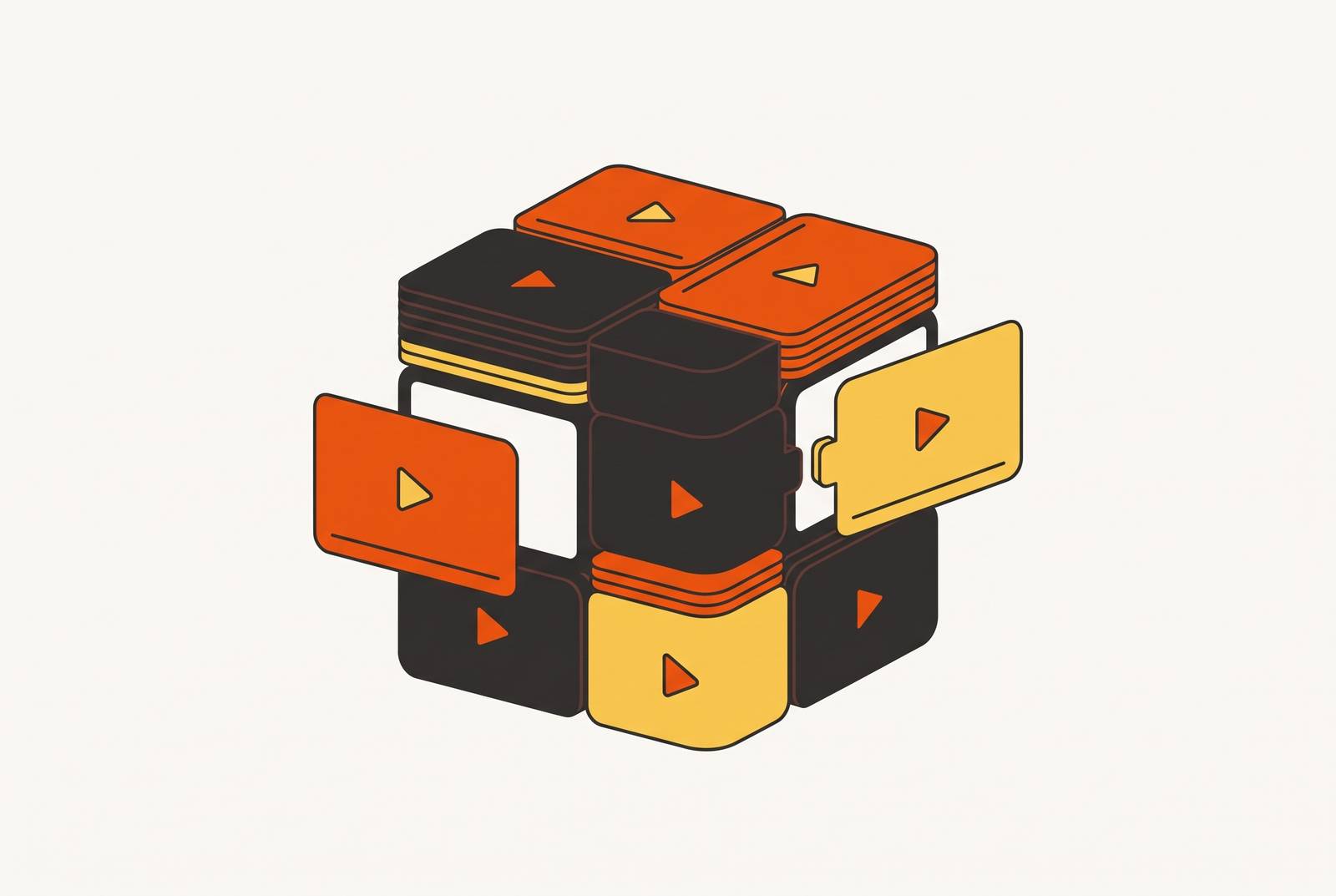
The fix is to stop making videos about products and start making videos about outcomes. One clip, one workflow, one job to do. If connecting Slack takes three minutes, that's a video. If setting up two-factor authentication takes ninety seconds, that's a different video. Neither one touches the other, so when the Slack integration screen gets redesigned next quarter, only the Slack clip needs attention. Nothing else in the library moves.
The test for where to cut a video is simple: if a workflow takes more than a few minutes to explain, it's too big for one clip. Break it apart so a user can land on exactly the segment they need instead of scrubbing through a ten-minute video to find the ninety seconds that matter to them.
The framing matters as much as the length. A clip should open on the result, not the location. "By the end of this video, you'll have your account connected to your team's Slack workspace" tells a viewer in one sentence whether they're in the right place and gives them a reason to stick around to the end. "In this video we'll go through the Settings tab" tells them where to click and nothing about why they'd want to. Outcome framing isn't a nicety, it's what makes a three-minute clip worth finishing. Once every clip in the library maps to one product, one feature, and one outcome, the whole structure becomes something you can update piece by piece instead of a sprawling thing you have to rebuild every time the product changes under it.
The minimum clip set every product line needs before the library scales
Before a library can scale across product lines, each product line needs a small, defined starting set, not an open-ended wish list that never gets finished. A welcome video comes first, and it should be short and human: a few seconds of setting tone and expectations, not a product tour in disguise. Right behind it sits the quick start guide, the handful of steps that get a new user to their first real payoff as fast as possible, and this is the single most important clip in the whole set because it decides whether someone sticks around long enough to need the rest. From there, feature walkthroughs cover each core feature one at a time, each one short and built around a simple pattern: the problem the feature solves, how to use it, and the result the user gets. Plan for several of these per product. Rounding out the set, use case videos split the audience by role or job, things like "Marketing Manager Workflow" or "Sales Rep Daily Routine," with a handful aimed at the main personas a product serves. That's six clip types total, and it's enough to cover a full onboarding journey without anyone trying to boil the ocean on day one. Which of the six gets made first shouldn't be a guess. Pull the onboarding funnel data, find the step where the most users drop off, and build that clip before any of the others. The data tells you where the bleeding is.
Recording a single-topic clip that stays easy to update
A clip only stays easy to update if it was recorded cleanly in the first place, so a little discipline up front saves a lot of pain later. Close anything unrelated before hitting record, use dummy data instead of anything real (no customer names, no actual financial numbers), clear off desktop clutter, and capture just the application window. A tightly framed window keeps the viewer's eyes on the interface being demonstrated, and it also keeps a re-recorded clip looking consistent with everything else already in the library.
Resolution should be 1920×1080 at minimum, or a standard display resolution like 2560×1440. Recording the app window instead of the full desktop cuts down the visual noise that makes a replacement clip look mismatched next to its neighbors.
While recording, narrate the reason behind each click, not just the click itself. "We click Save here to ensure changes are applied before moving to the next step" does more work than silently clicking Save, because it helps the viewer understand the action instead of just copying it, and it means less text has to get bolted on in editing afterward. A short pause after each action gives the viewer a visual breath and gives whoever edits the clip a clean place to cut. Recording in segments and stitching them together beats trying to nail a five-minute take in one go: one bad segment gets redone without touching the rest. Tag every finished clip with the product version it was recorded against, so when that version changes, it's obvious at a glance which clips are now out of date and need a re-record.
Editing a short clip without a dedicated video team
None of this works if editing becomes its own bottleneck, so the goal is a workflow where whoever recorded the clip can also finish it, the same day, without waiting on anyone else. For screen recordings, light editing almost always beats heavy editing: cut the long pauses, cut the flubs, cut the tangents, and stop there. A clip that still feels a little raw and human usually lands better with viewers than one that's been polished within an inch of its life, because it reads as real.
The non-negotiable edit list is short: trim dead air off the front and back, remove any restarts, add captions, and put a title card at the start. That covers what a help video actually needs. Captions aren't optional, either, since a large share of video gets watched with the sound off, especially when it's sitting inside a help center or embedded in the product itself. Skipping them leaves a chunk of the audience with nothing out of the clip. For anything involving a busy interface, small callouts, a ring around the cursor, a quick zoom on the button being clicked, a highlighted box, do a lot of work to remove the guesswork that makes a viewer miss the exact click being shown.
A lot of the grunt work here is no longer manual. Trimming silence, generating captions, cleaning up backgrounds, these are mechanical tasks that software now handles on its own, leaving the person editing to make judgment calls about pacing and clarity. Tella was built around exactly this workflow: it records screen and camera and edits in the same tool, generates captions and a transcript automatically, and lets someone trim a clip and add effects without jumping between separate apps. A clip becomes shareable the moment recording stops, so there's no waiting on a render before it can go live, which matters when "publish it today" is the actual goal. Because editing happens against the transcript rather than a scrubbing timeline, someone who knows the product but has never touched a video editor can still cut a clean clip, since editing words is a much more familiar task than editing frames.
Organizing clips across product lines so the library is navigable and maintainable
A pile of well-made clips is not a library until someone imposes some order on it, and that order is what keeps the thing running without anyone babysitting it. Start with naming: every file should include the product name, the feature or workflow it covers, and a version tag, so that when a product ships an update, the clip that's now out of date is findable in seconds instead of requiring someone to hunt through folders.
A central asset system pays off fast. Keep master files with separate audio tracks, SRT caption files, and layered graphics, so that updating a clip means working from a clean template instead of starting over, and producing a different aspect ratio for, say, a social post doesn't mean rebuilding the whole thing from scratch.
Ownership has to be assigned, not assumed. Someone, whether that's customer success, product marketing, or whoever owns documentation, needs to be named as the owner of each product line's clip set, with the job of flagging clips for re-recording the moment a release changes something they cover. Without an owner, clips go stale quietly and nobody notices until a user complains.
For a library spanning several product lines, organize by product first, then by clip type underneath that, onboarding, feature walkthroughs, integrations, use cases. That order lets both users and team members find their way in by product context before narrowing down to the specific workflow they need, keeping a growing library navigable.
Where to deploy clips for maximum impact
A well-organized library only pays off if people actually run into the right clip at the right moment, so where a clip gets placed matters as much as how it was made. The welcome video belongs in the first onboarding email, since that's the single highest-reach spot in the whole user journey and it sets the tone that video is how this product explains itself.
Inside the product, show the matching feature walkthrough the first time a user hits a blank state, an empty dashboard, an unconfigured integration, because that blank screen is exactly the moment someone is wondering what to do next. The same feature walkthrough clip belongs in the corresponding help center article too, so a reader who prefers scanning text gets the article and someone who'd rather watch gets the clip, both pulling from the same piece of content.
Support tickets are another natural landing spot. When a customer success rep answers a question that a clip already covers, dropping in that link costs nothing and slowly trains users to check the video library before they open a ticket next time. The economics behind all of this: a clip costs the same to make whether one person watches it or ten thousand do, but every additional view is support load that never has to get handled by a human. The production cost is fixed. The payoff scales with how many people actually run into it at the right moment.
Measuring whether the library is working and knowing when a clip needs replacing
None of this stays correct on its own, so a working library needs a regular check-up, and the signals to watch are specific. Track view duration for each clip to see whether it holds attention to the end, track support ticket volume for the workflow each clip covers to see if it's actually cutting down on questions, and track where in the onboarding funnel users drop off to see if a clip is doing its job at that step.
A clip with a weak completion rate is telling you one of two things. Either it runs too long and needs to be split into shorter pieces, or it opens by showing the interface instead of the outcome and needs its intro reframed around what the user will actually walk away with.
The trigger for re-recording should be built into the process, not left to memory. Someone needs to be watching release notes for every product line, and the moment a UI change touches a workflow that's already been recorded, that clip gets flagged for an immediate re-record. Because the library is modular, that fix touches exactly one clip and nothing else in the set.
Once the starting set is live and being measured, what gets built next should come from the funnel data, not from a hunch about what seems important. Find the step with the worst drop-off and build toward it. That's the whole case for building it this way in the first place: a modular library is a one-time production investment that keeps paying off, because every piece can be fixed on its own without dragging the rest of the library down with it, and that's what turns a help video library from a project that's never quite finished into an asset that just quietly keeps working.