Delegating Cut and Pacing Decisions to AI on Screencasts When You Are a One-Person Documentation Team
AI handles repetitive edit decisions so solo writers focus on what only humans can verify.
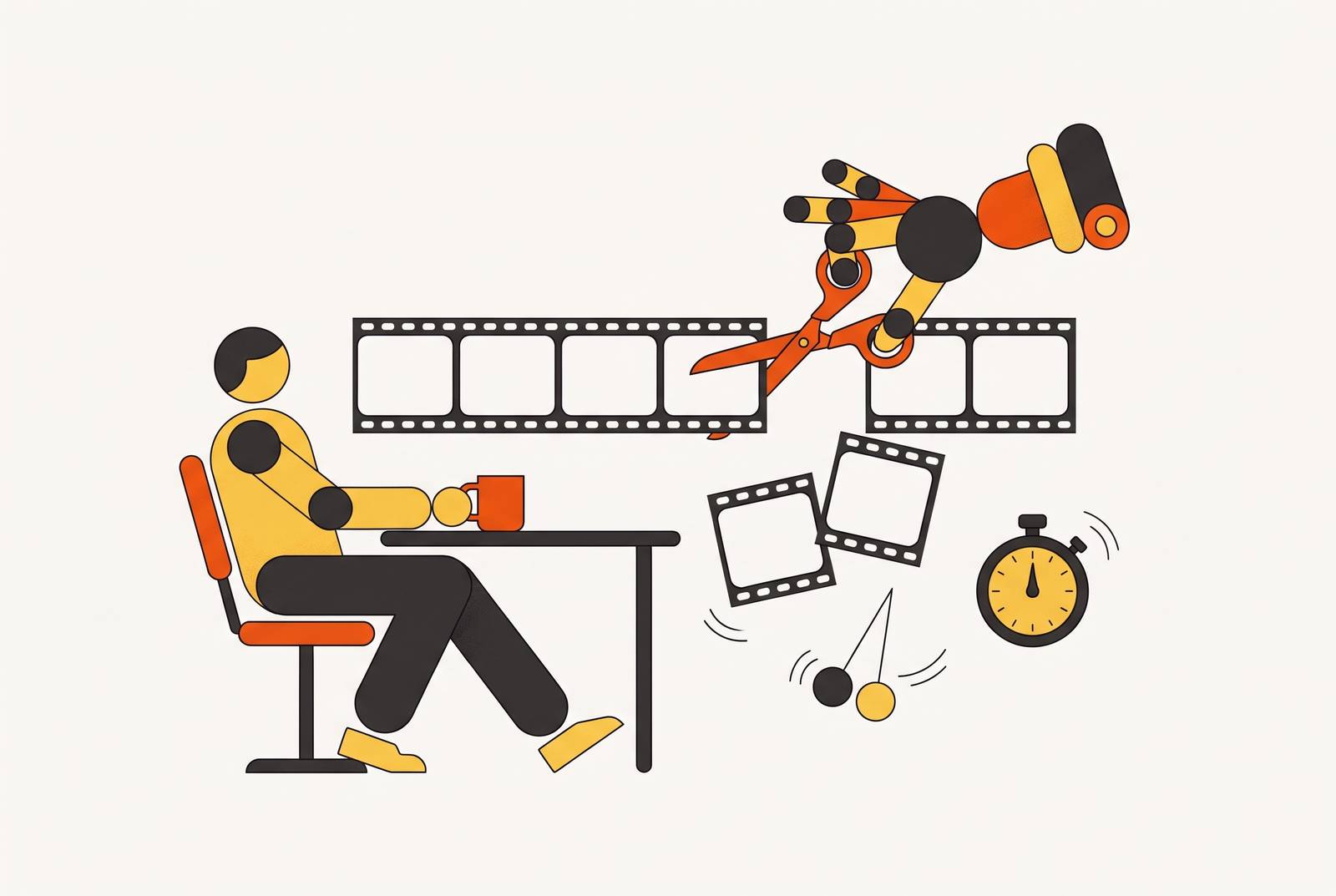
Agentic video editing is most useful to a one-person documentation team when AI makes the first-pass cut and pacing decisions, while the writer checks accuracy and clarity. Silence removal, filler-word cuts, transcript-based editing, and captions can take much of the manual timeline work off the writer’s desk. The best fit is a workflow that turns one narrated recording into both an edited screencast and written documentation without treating the AI’s draft as finished.
Why cut and pacing decisions eat disproportionate time for a solo documentation writer
The writer hits stop on a 12-minute recording and faces an hour of timeline work. The demonstration is finished, but the pauses, restarts, and uneven pacing still need attention. Every quiet stretch asks for a decision about where to cut and how much breathing room to leave. None of this explains the product any better. It simply has to happen before the explanation is ready to share.
For a solo documentation writer, that work combines two jobs that compete for the same attention. One is accuracy keeper, responsible for whether the instructions are correct. The other is timeline janitor, sweeping up dead air. Cutting and pacing keep pulling the writer away from checking the explanation, even though only the writer knows the product well enough to check it.
The bottleneck is the repetition of small judgments about whether a pause teaches something or merely records the passage of time. A viewer who already knows the product may find a gap tedious, while a learner may need it to follow the step. Much of the cleanup is still rule-bound enough to delegate, provided the writer retains control over those instructional exceptions. That makes AI a way to divide the work.
What AI tools can automatically handle cuts and pacing, and what can they not do?
Tools with automatic silence removal, filler-word detection, and transcript-based editing can do the first pass so the writer does not have to place every cut on a timeline. Silence removal uses waveform analysis to find quiet stretches, and the thresholds can be changed to control where it cuts. Filler-word detection uses transcript-matched audio analysis to identify “um,” “uh,” and false starts. Together, these features can produce a rough cut that removes obvious waste.
Deleting a sentence removes the corresponding video segment, while reordering paragraphs reorders the clips. The same transcript can also be used to make automated captions and subtitles, leaving much less work to do on those separately. These are distinct capabilities worth judging separately. A tool that makes captions may still leave cut and pacing decisions to the writer.
For a recording full of pauses and restarts, automatic cleanup is the useful starting point. For a demonstration that needs its explanation reshaped, text-based editing gives the writer direct control without manual timeline work. For a solo team producing both video and written instructions, a shared transcript connects the two outputs. The work being delegated should guide the purchase of a product labeled “AI. A shiny label cannot edit a pause.
However, automatic cleanup is not instructional judgment. AI cannot reliably identify deliberate pauses or dead air, verify that an on-screen action matches the narration, or verify that a step is explained correctly. It also cannot decide how the instructional arc of a 20-minute documentation video should build. Brand voice and terminology consistency across a library remain human responsibilities, as do problems caused by insufficient footage, poor audio, or a confusing narrative.
That boundary makes the two roles complementary. Even a mechanically sound cut may need its padding handles adjusted to preserve natural speech rhythm.
The deliberate pause problem: when silence removal damages instruction
Silence can be part of the instruction itself. After “click Save, then wait for the confirmation dialog,” the pause gives the learner time to perform the action and see the result. Removing it may make the recording brisker while making the lesson harder to follow. The same applies when the screen holds on a completed form so the viewer can compare it with their own. Quiet does not mean nothing is happening.
The practical fix begins before the edit. During an intentional pause, the writer can narrate a brief phrase such as “take a moment here,” giving the silence detector speech to preserve. This marks the hold and its purpose through the recording. It also tells the viewer why the demonstration has stopped moving. The pause becomes an explicit part of the lesson.
Where the tool’s controls allow it, another option is to configure silence removal to preserve pauses above a set duration, such as anything over two seconds. The setting must keep those pauses in the video, since some settings only flag them to be cut. Either approach helps protect learner time upstream, though the writer still checks the result. The aim is to remove waiting that serves no purpose while keeping the time needed to understand or complete a step.
Recording technique that makes AI delegation work: the record-transcribe-document method
To put that division of labor into practice, the writer records the actual workflow while narrating it aloud. Each step is explained immediately before or while it happens, so the spoken instruction stays synchronized with the screen. That timing helps the editing tool match each part of the transcript to the right moment in the video. It also gives the later written guide a clear sequence to follow.
Recording this way does not require a flawless performance. Pauses, restarts, and filler words are the kinds of defects the automated first pass is meant to remove. Big mistakes, such as showing the wrong screen or taking the wrong path, still need a re-record. The distinction prevents the writer from polishing away every harmless stumble before AI gets a chance to help.
A longer workflow can be broken into logical modules. Shorter recordings are easier for AI to segment accurately and easier for viewers to reference later. Each module also gives the transcript a more focused job. Instead of untangling a long demonstration, the writer shapes the explanation of one process.
Audio quality deserves more attention than verbal polish. Muffled or noisy speech makes transcription unreliable, undermining the filler cuts and captions that depend on it as well as the broader cleanup process. A dedicated USB microphone addresses that input problem in a way a built-in laptop microphone in a noisy environment does not. AI should not have to play detective before it can find an “um.”
For the screen itself, 1080p, or 1920×1080, balances readable interface elements with manageable file size and processing demands. Data hygiene belongs at this stage too. The recording should use realistic dummy data and keep live customer or employee records out, because once sensitive data enters the pipeline, replacing it takes a re-record. With those inputs in place, the tool can transcribe the narration and build the rough cut. The writer can then shape the text into numbered documentation steps instead of starting another artifact from a blank page.
Turning the transcript into the documentation: the second output most solo writers miss
The editing transcript is also raw material for the written SOP. It already contains the explanation of the workflow, with time-stamped, speaker-aligned text tied to the on-screen actions. Ignoring it means writing again what the recording has already captured. The writer’s work becomes shaping and clarifying.
Transcript edits can improve both outputs at once. Deleting filler sentences and throat-clearing trims the text and removes the matching video segments. Reordering steps that were narrated out of sequence can move the clips into the same order, though the result still needs an accuracy check. The written guide can then gain clarifying language that was never said aloud. That addition does not require changing the video, because the two formats need not be word-for-word twins.
This is the efficiency multiplier of the method. One properly narrated recording supplies a trimmed screencast for people who prefer to watch and a structured guide for people who prefer to read. A transcript is scaffolding. Its value is that the writer does not have to erect the same structure twice.
Tool choice can either support that connection or interrupt it. A workflow that requires separate stops for transcription, editing, captioning, and sharing gives the solo writer more handoffs to manage. The useful capabilities are text-driven video edits, transcripts that also feed subtitles and documentation drafts, and sharing that does not add a rendering queue after the edit. A built-in teleprompter can also reduce filler words and re-records when narration is scripted in advance.
The larger payoff arrives when the product workflow changes. When recordings are split into modules, the writer can re-record the process that changed, make a new transcript, and update the written step that goes with it. That makes maintenance a focused revision, with the rest of the library kept as it is and human review concentrated on the changed material and its automated edit.
The review pass: what the writer must check after AI makes its cuts
Deliberate pauses come first, especially after actions the learner needs time to perform. A protected hold should still leave enough time to absorb the result or compare screens. Difficult steps may also need slower pacing than AI assigned, even when the action itself takes only a moment. A quick click can introduce a complicated idea.
The next check is whether the narration and screen still agree at every cut. Audio cues can guide clip assembly, but they cannot establish that the displayed action is the one the script describes. This is especially important when transcript edits have reordered material. The steps must still show the right way to do the task, even when the text reads smoothly. The writer’s product knowledge is the deciding authority here.
Caption review needs the same precision. Product names, technical terms, and proper nouns are common points of failure in automatic captions, yet they are often the words the viewer most needs to recognize. Those terms need checking against the intended language. The writer also checks terminology and voice against the rest of the documentation library. A clean-looking caption track is not proof of a correct one.
The audio deserves one listen at normal speed. Aggressive filler-word removal can clip trailing consonants or leave speech with an unnatural rhythm, and cut padding may need adjustment. If the recording has angle switches, the writer needs to check those transitions too.
The time balance remains favorable when the recording is clear and the handoff is deliberate. Mechanical cutting saves more time than the focused review consumes, leaving the solo writer with more room for the work only they can do, making the instructions accurate and clear.