Content Repurposing Workflows Using AI Editing Tools
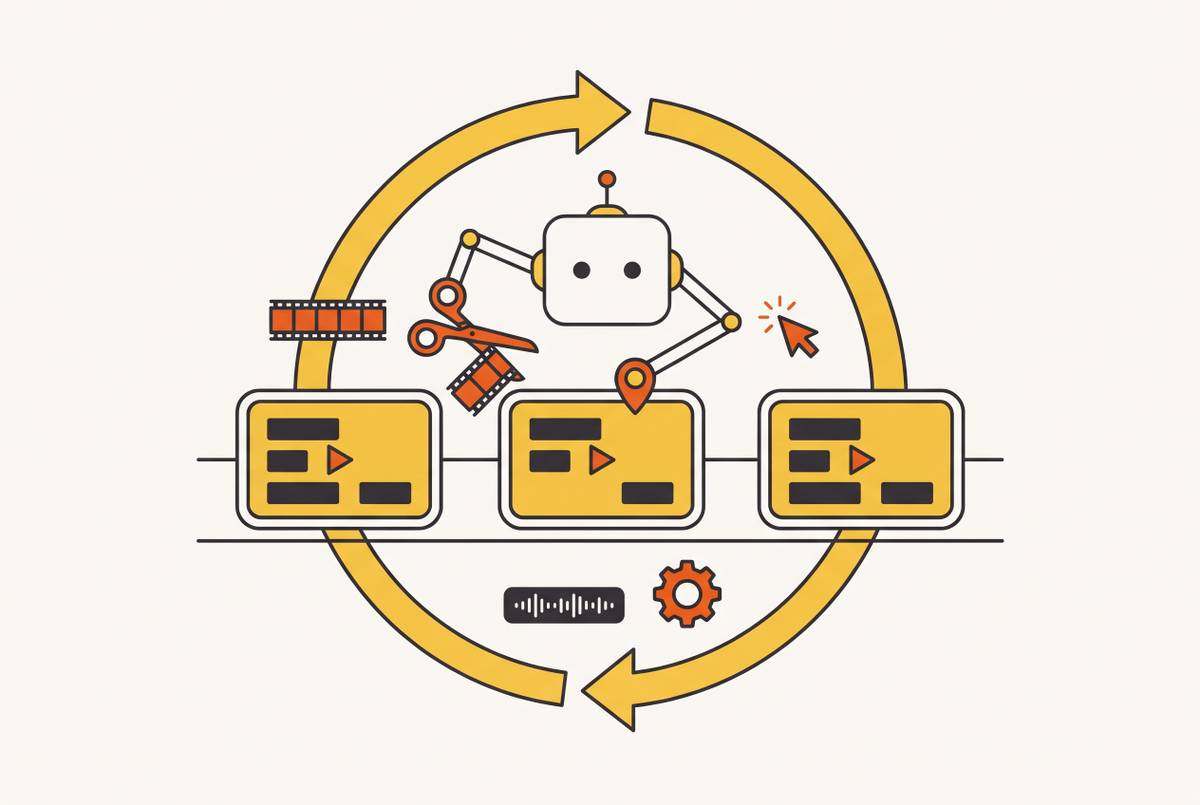
A four-stage system for turning one recording into many clips, with human review at each handoff.
Content repurposing workflows using AI editing tools work best as a system. For agentic video editing, AI-first tools can find segments and automate repetitive cuts, but people still need to review context, accuracy, and voice. The useful workflow moves one recording through clipping, editing, captioning, and formatting, with defined handoffs at every step.
Why repurposing fails without a system behind it
Most repurposing starts as a scavenger hunt. Someone finishes a recording, hunts for a usable moment, trims it, reformats it, and starts again for the next platform. The next recording gets the same treatment. Nothing learned from the first run makes the second run easier, because the decisions remain confined to someone’s head.
A tool can execute a cut, but it cannot replace the decision about what belongs in the clip or what the next stage needs. Without those decisions, drafts pile up, quality goes up and down, and the recordings become a cupboard full of ingredients with no dinner planned. Defining each stage’s output and the review it needs comes before moving on to distribution.
What the source asset needs to look like before the workflow starts
A source recording is usable when it covers one whole process or a distinct sub-process. That gives the clipper a clear topic and gives the eventual viewer enough context to understand the result. It also keeps documentation modular, so a change to one process does not require replacing an sprawling, multi-topic recording. The recording should be long enough to cover its topic fully and stop before it drifts.
How well the recording is made affects how much needs fixing later. For screen recordings, 1920×1080, or Full HD, keeps what is on screen visible and gives later exports a standard source to work from. A dedicated USB microphone should be part of the setup, because built-in laptop microphones produce audio that caption and cleanup tools handle inconsistently. Poor sound does not disappear when the upload finishes. Poor sound comes back after the upload wearing a caption error.
Sensitive data needs the same advance planning. Recording with anonymized test data or dummy accounts lets the asset move through editing and sharing without stopping for redaction. Together, these choices reduce the AI’s error surface, giving it fewer irrelevant passages, clearer speech, and a tighter transcript. The recording is the raw material for several outputs, so its structure belongs in the workflow design.
Stage 1: Clipping — what AI tools can automatically edit videos without manual timeline work
Reap, OpusClip, Vizard, and Submagic are AI-first tools that begin with an upload and automate much of the repetitive extraction work. This category is well suited to finding high-energy or high-information moments in talking-head footage, screen captures, podcasts, and webinars. It can reduce the search for usable segments from hours to minutes. That is the first useful handoff in the workflow, from a long recording to a set of candidate clips.
The distinction between candidates and decisions is essential. A lively passage may depend on an explanation that happened earlier, or a short cut may misrepresent the speaker’s argument. A person needs to check the clip’s context, whether it is accurate, and whether it stays true to the creator’s voice. Energy is not the same as meaning. Even when automation cuts a multi-hour review to under an hour, that remaining review is part of the job.
Transcript-based editing offers another entry point for people who do not want to work on a timeline. Deleting words from the transcript can remove a mistake or filler section from the recording, making the review pass more approachable. For teams choosing a tool, the useful criteria are the source format, the quality of its candidate clips, and how easily a person can correct them. A promise of automatic cuts is less useful than a manageable path from rough selection to approved segment.
Stage 2: Editing — what to fix before clips leave the workflow
Once a clip passes review, editing should fix what still distracts from it without putting it through a whole new production process. For talking-head footage, screen captures, and presentations, that usually means removing silences, filler words, and false starts, then making basic color corrections. AI-first editors do these repeated jobs automatically, while professional editors with AI give fine control over the timeline. They solve different problems, despite sharing the same two letters on the box.
For this workflow, continuity is the stronger buying criterion. Moving between a recorder, an editor, and a repurposing tool fragments attention and creates another handoff each time. Editing in the recording tool where possible, or in the same repurposing tool, avoids that detour. The clip should leave this stage with its wording and cuts settled so it can go straight to captioning without being rebuilt.
Color correction also belongs here when inconsistent lighting makes clips look mismatched. AI color tools can look at footage, pick out the intended mood, and make corrections in seconds with little grading by hand. Not every clip needs a cinema treatment. Adobe Premiere Pro and DaVinci Resolve become relevant when narrative film, commercials, or other work demands precise creative pacing and emotional timing. That is a different requirement from cleaning up a webinar segment, and it should not dictate the workflow for one.
Stage 3: Captioning and transcripts — the step that makes clips work without sound
Captions are a distribution requirement wherever video plays silently by default. Today’s AI caption tools can make word-by-word animated text, highlight words as they are spoken, tell when the speaker changes, and work in more than one language. They can also filter filler words and position text to avoid covering faces. The caption stage needs a set place in the process so it gets more than a last-minute invitation.
Accuracy still needs a human review pass. Clean audio helps, but accents, technical terminology, and overlapping speech can lead captions away from what was said. Reviewing them before publishing is faster than repairing errors afterward. This checkpoint is separate from approving the clip itself, because a sound selection can still have an inaccurate transcript.
The reviewed transcript then becomes a bridge to text repurposing. It can support show notes, a blog post summary, a newsletter section, or internal documentation. For a process recording, the same source can produce both a narrated video and a written step-by-step guide for a help center. Tools also allow recordings in one language to be translated and lip-synced in others, which is relevant for multilingual audiences and SaaS onboarding at scale.
Stage 4: Formatting outputs for each platform without rebuilding each clip
Aspect ratios, text styles, and output specifications should be decided before the first clip enters formatting. Otherwise, each clip that passes review calls for another small design meeting. Templates give each clip in the batch the same rules, so a new recording can follow an established route to platform-ready outputs. Templates save time by cutting out repeated decisions as well as speeding up each resizing job.
AI reframing can convert a 16:9 clip to 9:16 while face tracking and subject detection keep the subject centered. That removes much of the manual work of adjusting a crop, particularly for footage with a consistent speaker. CapCut is built for short-form social video, with strong TikTok integration, and its 2026 features include background removal, voice generation, and AI-powered auto-captions. Its fit is social-first formatting rather than a reason to redesign the whole workflow around one output.
Blotato can take a source video or transcript and generate platform-specific captions, carousels, and posts for up to nine platforms. Those written captions serve a different role from the spoken-word captions inside the video, but both belong to the same distribution push. Once the templates are set, one source can take several forms without each one becoming a new job. That is where a recording starts earning its keep.
How the workflow changes for the three most common source formats
Trimming the start and end and removing long pauses is usually enough, while the caption and transcript stage deserves more attention because it also supplies the written help article or onboarding document. Horizontal widescreen suits documentation and YouTube. Vertical output needs more care, because reframing can crop out interface elements. Teams planning portrait versions can keep critical UI away from the edges of the frame while recording so the formatter has no need to recover what falls outside the crop.
A 20-minute async update can contain several candidate clips, making the clipping tools and virality scoring offered by OpusClip, Vizard, or Reap useful for narrowing the review. Transcript-based cuts then make filler words and false starts easier to remove than timeline work does for this format. Lighting is the other main quality variable. AI color correction helps match sessions, while portrait formatting and face tracking suit a centered, consistent subject.
Podcast and interview recordings shift the emphasis again. Their longer, less visually structured source material gives the clipping stage more work, including analyzing audio sentiment and narrative structure to find extractable moments. The transcript is the main source for show notes, blog post drafts, newsletter sections, and social copy. Castmagic handles this text-side workflow specifically for podcasters. For audio-led clips, a waveform, caption-only layout, or B-roll overlay provides the visual layer that the source may not contain.
These differences determine where review time belongs. A screen tutorial needs attention to visible steps and written documentation, while a talking-head clip needs selection and cleanup, and a podcast needs strong extraction and text repurposing. All three use the same four stages. What changes is the workload within them, so choosing by footage type is more useful than declaring one editor universally best at cuts and pacing.
Where AI repurposing workflows break down and how to design around the failure points
Accuracy drift starts when automated output is treated as approved output. A rough cut can omit context or change the apparent meaning of an argument even when the selected words are accurate. The structural fix is a mandatory review checkpoint after clipping, followed by the caption accuracy check later in the process. A different clipper does not remove that responsibility.
A separate recorder, clipper, caption tool, color tool, and scheduler introduces a switch at every handoff, with opportunities for lost files, broken formats, or a session that ends before distribution. Consolidating stages into the fewest tools that cover the work reduces these switches. The goal is fewer transfers that require someone to stop, recover context, and rebuild the next output.
Voice loss needs its own safeguard before text generation begins. Feeding a raw transcript into AI and asking for social posts can produce generic marketing copy with little resemblance to the speaker. The context file method addresses this by giving the AI agent a central knowledge base of tone, core stories, and operating style. A transcript supplies what was said. The context file helps the system preserve how the creator communicates, rather than sanding every sentence into the same corporate furniture.
These safeguards belong in the setup before the first repurposing run. Review checkpoints govern approval, tool consolidation reduces handoffs, and the context file guides voice across outputs. With those decisions made, an approved clip can move through transcript-based editing, reviewed auto-captions, transcript export, platform templates, and scheduled distribution. Each stage has a clear job and a usable handoff. The human effort goes into judgment.