AI-Generated Video Transcripts for SaaS Help Center SEO
Publishing reviewed transcripts makes tutorials indexable and citable.
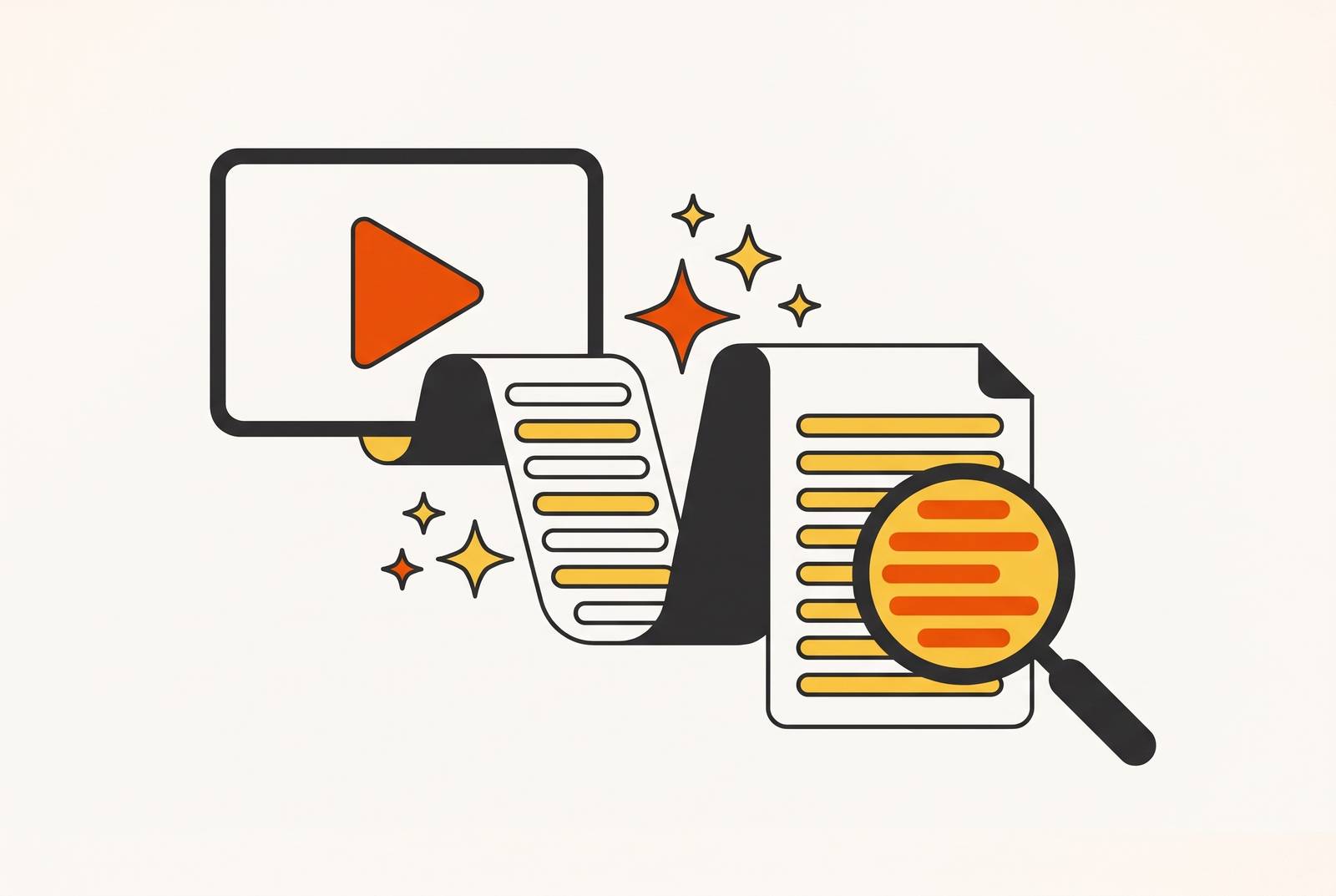
AI-generated video transcripts put the tutorials in a SaaS help center into text that search engines can index and AI answer surfaces can cite. When a transcript has been checked and published as readable page text beside a focused video, the tutorial has a chance to show up in organic search and AI-generated answers.
Why help center videos are invisible to search without a text layer
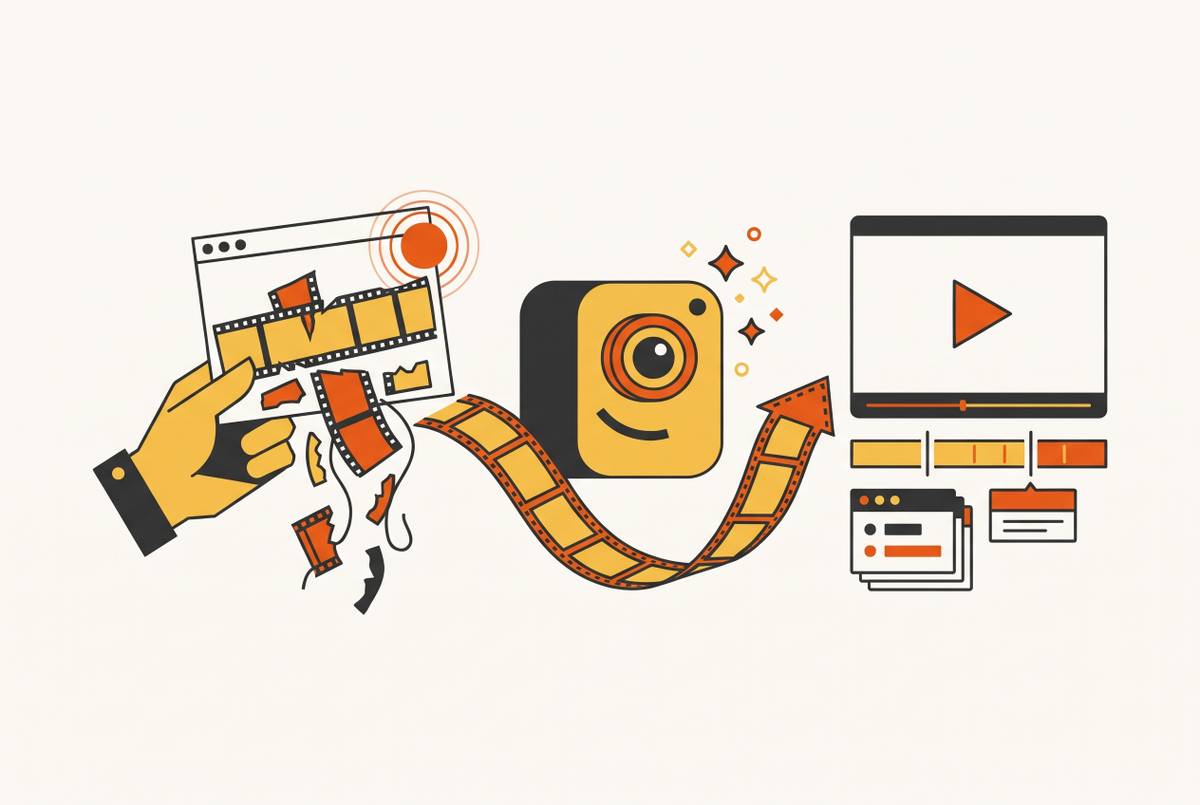
A product walkthrough can explain a fix perfectly yet give crawlers almost nothing to read. The useful detail sits in the spoken instructions, while the page offers only a title, a player, and perhaps a short description. Search engines and AI answer surfaces need a readable account of that content. A play button is not an explanation. Without a transcript, the feature names, troubleshooting steps, and customer questions spoken in the tutorial are missing from the page’s indexable text.
SaaS help centers are especially exposed because their videos contain the precise language people use when they get stuck. A walkthrough may name the setting, explain the error, and show the solution, yet none of that detail appears in the surrounding copy. ChatGPT, Perplexity, and Google AI Overviews also need readable material to quote or cite. The missing text is therefore more than an accessibility gap. It separates the answer a team has already recorded from the people searching for it.
How AI answer surfaces have made transcripts a GEO asset, not just an SEO one
Traditional SEO and generative engine optimization, or GEO, reward different forms of visibility. SEO makes page text indexable so a tutorial can compete for search rankings. GEO makes that explanation available for citation or mention inside an AI-generated answer. A click is not the only useful outcome. A help page can supply the answer even when the reader stays inside the AI interface.
This changes what a transcript is worth. AI search tools use transcripts, descriptions, and on-screen text to summarize video content, so a clear written explanation gives them material to work with. YouTube mentions and branded web mentions correlate with AI brand visibility across ChatGPT, Google AI Mode, and AI Overviews. That correlation gives teams a reason to track brand mentions as well as links, though citations remain uncertain.
For SaaS teams, the same tutorial can therefore serve several discovery paths. Its page can rank, its video can appear in a carousel, and its explanation can become a cited answer to a product question. The shared input is structured, readable content that answers something specific.
What search engines and YouTube actually index from a video page
Google’s documentation does not establish transcripts as a direct ranking factor. Their value follows a less mysterious route. A transcript gives crawlers page text to read, while a caption file gives YouTube more words to search. There is no need for algorithm folklore. The documented distinction is useful enough.
Discovery Digital Networks, working with 3Play Media, tested a phrase that appeared in a video’s captions but not in its title, description, or tags. The captioned video ranked fourth on YouTube for that phrase. That result supports caption text as an independently indexed signal on YouTube. It does not prove that adding a transcript produces a particular Google ranking.
Google’s video indexing requirements apply to both the page and the video. A dedicated watch page makes the video its main content, with the player embedded and visible at load and a valid thumbnail at a stable URL. Google indexes only one video per page. An article with an incidental embed is therefore not automatically a watch page. VideoObject structured data describes the video, while Clip or hasPart markup identifies key moments for timestamp links.
A video sitemap or mRSS feed helps discovery, with indexing still uncertain, which limits the promise. Text gives the page something to rank for, and video-specific elements help search engines discover and understand the video itself.
Generating accurate transcripts at scale: AI transcription versus manual methods
AI transcription changes the workload from typing every spoken word to reviewing generated text. For a large help library, that makes manual transcription a poor default. Cloudinary describes AI-driven pipelines that can process thousands of minutes daily within enterprise video workflows. The remaining job is to keep errors from reaching the published page.
SRT and VTT files serve caption tracks on YouTube and embedded players, while the text export becomes the basis of the crawlable page copy. Both can come from the same upload. Producing both avoids having to revisit the video when deployment begins.
Accuracy still depends on the recording. Background noise, fast speech, and jargon-heavy product names can trip up transcription, so review proper nouns, feature names, and the first spoken claim before publishing. A quick check before publishing can also cover on-screen disclaimers and music clearance without making transcription take a long time to approve. Keep this gate proportionate.
Deploying the transcript so search engines and AI surfaces can actually use it
Publish the full transcript as crawlable HTML on the same page as the video. Do not leave the only text in a PDF, an image, a third-party app, or an accordion whose content appears only after JavaScript loads it through interaction. The crawler needs access without pressing buttons. A transcript hidden from the page is a finished document with an unfinished job.
Upload the VTT caption file to the player separately. The caption track and page text serve different purposes, even when their words are identical. YouTube can index the captions independently, while Google can crawl the HTML transcript. Neither deployment substitutes for the other. Treat them as two outputs from one reviewed source.
Add VideoObject structured data to describe the video. Its required properties are name, thumbnailUrl, and uploadDate, which identify the video, its thumbnail, and its publication date. The recommended properties description and duration say what the video covers and how long it is, while contentUrl and embedUrl say where the media or player is. Creator or author information supplies attribution, and interactionStatistic describes engagement.
For discovery, include the page in a video sitemap with thumbnail_loc, title, description, and either content_loc or player_loc. For a YouTube embed, VideoObject markup links the video to the help page as well as describing where it is on YouTube. Keep one tutorial per dedicated watch page. If a help page contains three tutorials, split them into separate pages so each video has its own indexing opportunity.
Structuring help center video pages so each one targets a single answerable query
A single workflow step or troubleshooting scenario gives a help video a clear scope. A broad feature overview asks one page to answer several different questions, which weakens the focus of its transcript. The narrower version has a cleaner job. Its spoken instructions repeatedly use the relevant feature names and steps because those terms belong in the answer.
To apply that structure, title the page and video the way a customer would search. “How to set up two-factor authentication in [Product]” names the task, while “Security Settings — Q3 Update” names an internal filing convention. The customer needs the former. The transcript then reinforces the title with a coherent explanation of that same task.
Focus also helps align the viewing experience with the search promise. Someone who needs one fix can follow a direct answer without sitting through unrelated features, so they are more likely to watch the video to the end. That supports the goal of satisfying the query, rather than guaranteeing a ranking boost from completion alone. For longer tutorials, Clip markup and YouTube chapter timestamps can expose specific sub-questions through deep-links. They make individual steps addressable without pretending the whole recording answers only one question.
Prioritizing which videos to transcribe first across an existing help center
Start with the primary navigation workflows customers encounter in their first week. These are things customers often search for and ask support about, so they are better places to start than whichever recording happens to be oldest. The first batch should have a clear path to useful visibility.
Use Google Search Console to find video pages that already get impressions but few clicks. Thin titles and surrounding text can contribute to that gap, so these pages are candidates for a question-style title and an on-page transcript. YouTube Studio’s Google search traffic source provides another clue by showing videos already surfacing in web results and video carousels. Also prioritize target questions that AI surfaces already answer using competitors’ content.
Within that group, identify the full-gap videos that have no transcript, no caption track, and no on-page text summary. They have the most missing groundwork to restore. Update workflow videos that get lots of traffic soon after major interface changes, while videos about less-visited features can wait longer between updates. An answer that can be found in search but shows yesterday’s interface can still send today’s customer to the wrong place.
Recording help center videos so the transcript comes out accurate and usable
For new recordings, improve the transcript before there is a transcript to edit. Speak at a steady pace and pause between sections, because fast speech without breaks makes it harder to tell where one word ends and the next begins. That can lead to mistakes in feature names, settings paths, and keyboard shortcuts. These are often the exact terms a customer needs to find and follow.
Use a teleprompter or a detailed script outline so the spoken explanation follows the order the written answer needs. Improvised detours become editing work later. Short recordings that stay on one topic are also easier to transcribe and fit the one-question structure.
Populate the demo environment with realistic data before recording. Empty dashboards and placeholder content force the speaker to explain what would be there. Those extra words dilute the transcript’s focus. A prepared demo lets the narration stay on the task, which makes both the video and its text easier to follow.
Measuring whether transcribed video pages are compounding into organic and AI search coverage
Measure discovery and answer use alongside views. Search Console impressions show whether the watch page is appearing for the question it answers. YouTube Studio’s Google search traffic source shows whether the video itself is reaching web results and carousels. GA4 engagement time adds a different perspective. It helps show whether people stay on the page that hosts the video after they arrive.
When impressions rise but clicks stay flat, the title and thumbnail are places to look for ways to improve. When clicks rise but engagement stays flat, the video may not answer the question its title promises. Engagement is useful evidence about the visit, and establishing a direct Google ranking effect requires separate proof.
For GEO, monitor branded mentions and cited URLs in AI answers to the questions the help center targets. A citation in an AI Overview or Perplexity answer can be a meaningful gain without producing a matching increase in traditional clicks. That requires a separate view of success. Otherwise, the reporting can miss the very visibility the transcript was meant to create.
Each transcribed tutorial that earns visibility creates internal linking opportunities for newer tutorials, strengthens the help center’s topical coverage, and expands the readable library available to AI answer surfaces. Continued transcription and linking build on that base. The help center stops being a collection of recordings and becomes a connected source of answers that search engines can surface and AI systems can cite.