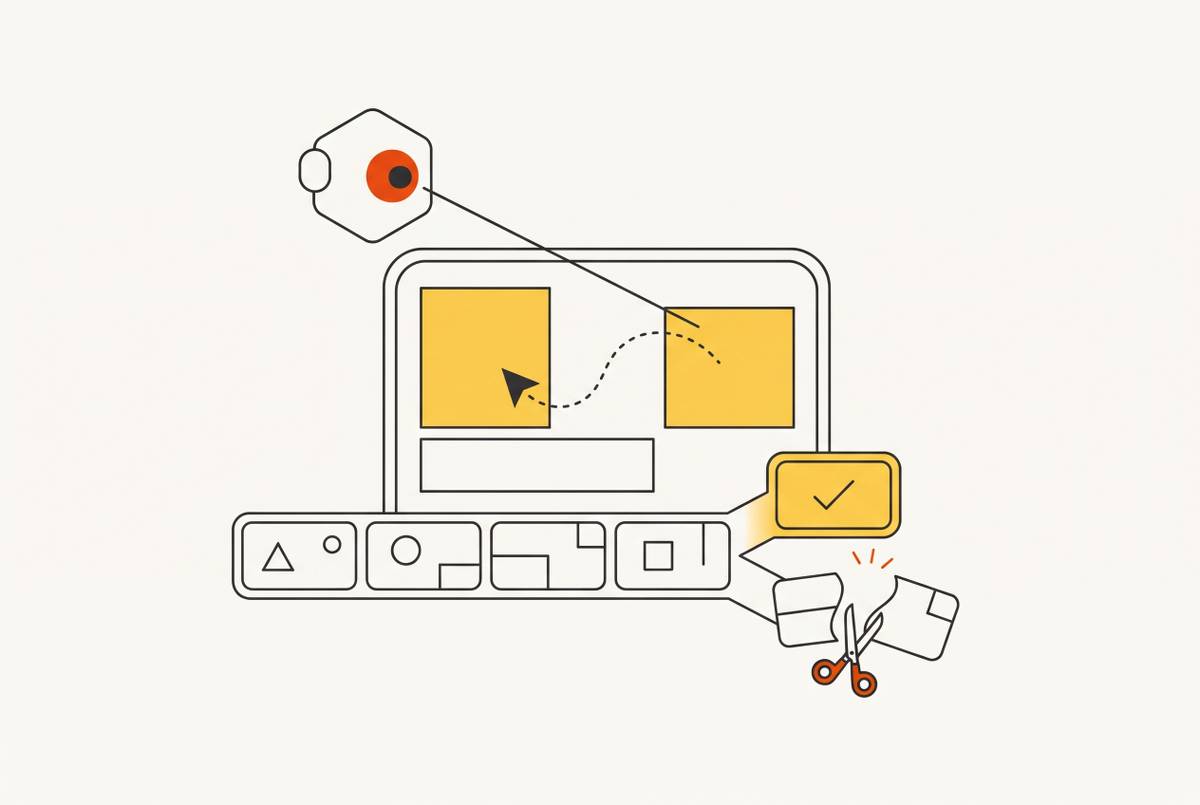
What a Fully Auto-Edited Software Tutorial Looks Like Before and After the AI Touches It
AI cleans up the dead air, but you still judge the cuts.
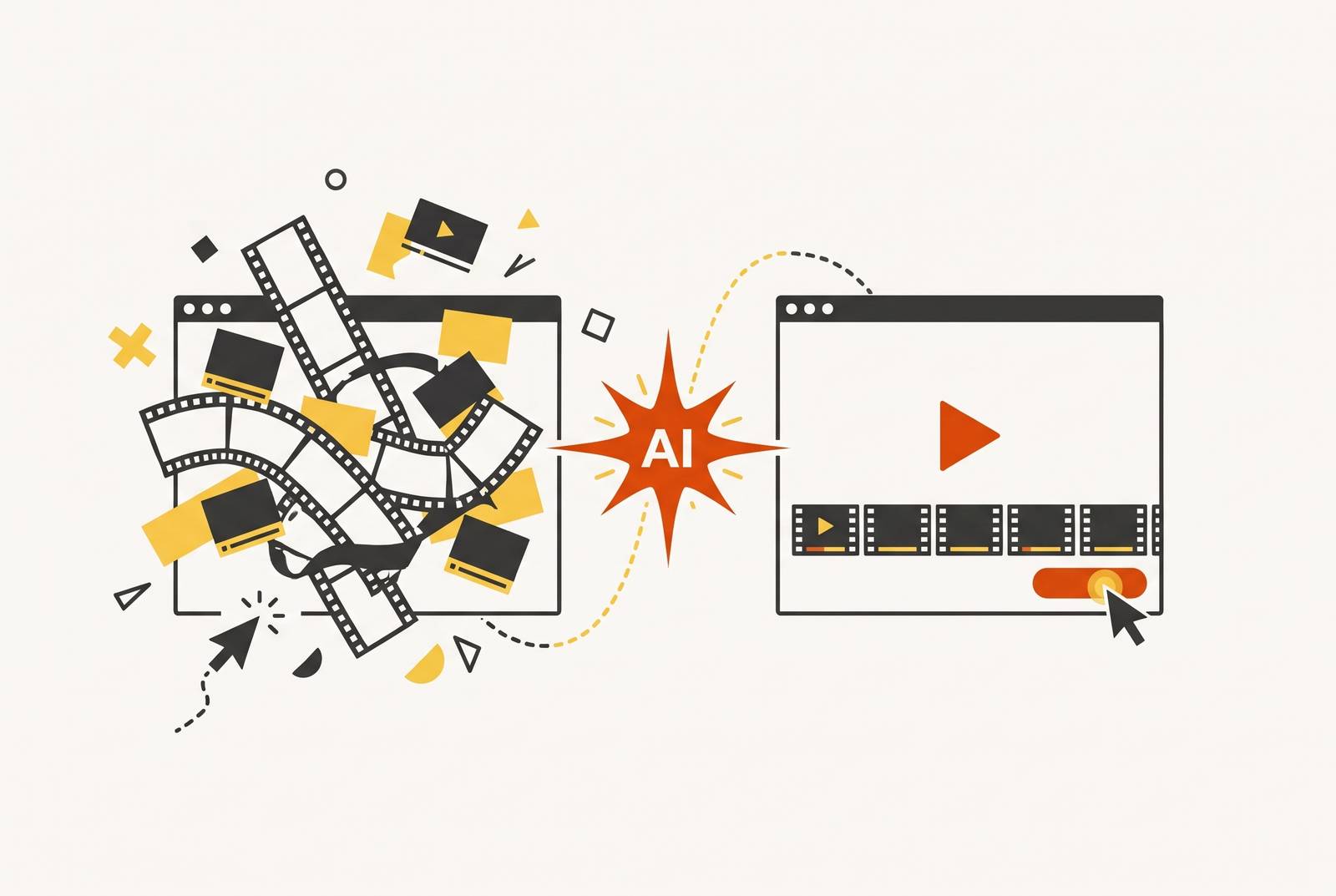
A fully auto-edited software tutorial can have its dead air and repeated takes cut out, its uneven look smoothed out, and captions and vertical versions added. But agentic video editing is better at removing friction than deciding what a viewer needs to understand. The useful before-and-after comparison is therefore not just raw versus polished, but automatic cleanup versus the cuts, pauses, and screen actions that still need human judgment.
SaaS documentation teams can skip most of the timeline work by letting AI handle the predictable layers first. Transcript-based editing cuts footage when words are deleted from the text, action-capture tools turn on-screen steps into a structured guide, and silence removal, filler removal, repeated-take detection, and captions can run before an editor opens the project. What stays manual is a short review: reading the captions for product names and menu paths, listening to the cleaned audio for chopped pauses, and checking the screen for wrong clicks or cropped controls in vertical versions.
Why a tutorial recording in its raw state is rarely usable as-is
A raw software tutorial preserves both the lesson and the work of recording. False starts sit beside useful explanations, mis-clicks interrupt the path, and a pause that felt brief while finding a menu becomes conspicuous on playback. The viewer gets the rehearsal and the performance. Even when every instruction is correct, the timing can make a simple task feel harder than it is.
After scripting, setting up, and capturing multiple takes, the creator opens a timeline editor to cut mistakes and sync audio. Zooms and annotations need attention, followed by captions, timing, and export. Each step demands another shift in focus. The gap between “finished recording” and “publishable video” grows into hours, leaving tutorials unfinished or out of date.
For SaaS teams, that delay has a particularly short fuse. Product interfaces change, so a walkthrough that was right last month may send today’s user to the wrong menu. The backlog stays if each new recording takes just as long to edit as the one it replaces.
How can SaaS documentation teams speed up tutorial video editing without spending hours in a timeline editor?
Transcript-based editing turns the narration in a recording into text. When a word or sentence is deleted from that document, the matching footage is cut too, so editing the video works much like editing a document. The text becomes the editing surface. This approach handles the spoken layer, including the explanation, its false starts, and its repeated phrases, without requiring every cut to begin on a timeline.
Action-capture automation starts with what happens on screen instead. The tool watches screen actions, identifies distinct steps, adds contextual descriptions, and produces a structured guide. Recording and documentation happen together, rather than documentation waiting for a finished narration. The actions become the source of structure. This approach handles the measurable sequence of steps, rather than treating speech as the main account of what happened.
Neither approach supplies storytelling judgment on its own. One organizes what was said, while the other organizes what was done, which is the distinction behind the cleanup layers that follow. Their shared appeal comes from volume pressure. With less work to do by hand between capture and publication, teams have more time to keep instructions up to date.
What silence and filler removal actually do to a raw tutorial — and where they go wrong
Before cleanup, a tutorial can sound like a sentence negotiating with itself. An explanation begins, stops for an “um,” resumes, and then waits while the presenter finds the next control. After silence and filler removal, the phrases that explain the steps are closer together. The lesson finally has some forward motion. Taken too far, though, the edit sounds as if the presenter has been forbidden to breathe.
These are two different operations, despite their similar result. Silence removal deals with gaps in the audio, while filler removal needs transcription because “um” can be as loud as the words around it. The AI finds tokens tagged as filler and removes those segments. But a token is not always expendable. Words such as “like” and “you know” can supply hesitation, emphasis, or the rhythm that makes speech sound natural.
Raising the minimum silence duration preserves breaths, adding a short padding buffer softens cuts, and manually restoring the last pause before a key point gives the viewer time to absorb it. Recording habits help upstream, too. A full second of silence before restarting, rather than talking over a mistake with an apology, gives the edit a cleaner boundary, while a close microphone makes the gap between speech and silence clearer.
How the AI handles repeated takes and whether it picks the right one
Repeated-take detection goes beyond trimming empty time and makes a structural choice. The AI finds repeated or near-repeated phrases close together in the transcript, keeps the last complete attempt, and cuts the earlier versions. The result can turn a tangled explanation into one uninterrupted thought without requiring an editor to hunt down each verbal redo.
That choice works less well when the mistake happens on screen. A wrong click followed by the correct click may leave no trace in the narration, so the transcript cannot distinguish the two. The same problem applies to opening the wrong menu or typing in the wrong field. Without action-capture integration, those mistakes need a check of their own. Spoken structure is visible to the transcript-based editor. Visual structure is not.
The reliability gradient: which AI interventions can run unsupervised and which cannot
The useful trust model is a gradient. Captions, silence removal, and audio cleanup are at the high-confidence end, where letting the tools do the work saves much of the time. These jobs can run before an editor intervenes, though their output still warrants targeted checks. Automatic generation is not automatic approval. Editors should spend more time checking where a tool makes a choice than where it just clears away noise.
Text-based editing sits in the middle. It is very good at producing a cut, but the editor still decides whether that cut belongs there and whether the sequence moves at the right pace. Background removal also works as a first pass on clean shots, though edges, hair, and fast motion still need to be checked. For tutorials, AI clip detection belongs in this shortlist tier because an important screen action need not coincide with a vocal spike.
At the other end, voiceover and dubbing require human judgment about pronunciation and disclosure. Generative video falls short of real footage, so it is usually best to skip it. The dependable cleanup work supplies much of the practical value, even when more speculative features receive the louder sales pitch.
What captions look like before and after AI, and why the check still matters
Before AI, a tutorial may have no captions, or captions that took as long to time as the recording took to make. Afterward, it has a readable text layer that helps deaf and hard-of-hearing viewers, multilingual audiences, and people watching muted. The visual change is immediate and useful. With clean audio, a native English speaker, and a decent microphone, captions can be very accurate, but room noise and fast speech make them less so.
Correction is still faster than typing from scratch. The predictable errors cluster around proper nouns, brands, product names, acronyms, jargon, numbers, and units, where a speech model may favor a familiar sound-alike over the intended term. In a tutorial, a wrong menu name or keyboard shortcut becomes an instruction error. When the tool supports a custom vocabulary or keyword list, the editor can add terms that come up often, including product names and co-host surnames, once and save having to fix them over and over. Accurate captions also improve searchability because platforms index the text layer.
AI color grading and visual consistency across a multi-screen tutorial
Raw segments can differ in brightness and color balance, especially when recorded at different times or on different screens. A talking-head camera and a screen capture may also look as though they belong to separate productions. AI color grading helps bring those pieces together. It gives the tutorial a more consistent finish without requiring knowledge of luma curves or color wheels.
For teams producing tutorials at volume, matching a reference allows a chosen look to be applied uniformly without a colorist. That is a different kind of automation from deciding which take survives. The system matches a target rather than choosing what the color should communicate. The human still supplies the visual destination. Its usefulness therefore depends on the quality of the reference image.
Where auto-reframe and vertical repurposing help and where they break
Auto-reframe is especially useful for teams turning tutorials into vertical clips for social distribution. It tracks the dominant subject, usually a face or center-frame action, and crops the widescreen image to follow it. With one subject and nothing important near the edges, that works reliably. Software demos complicate the picture, however, because the important subject may be a small control.
A tracker can keep the presenter perfectly in frame while cutting out the button being explained. The face survives. The instruction loses its evidence. Menus, fields, and controls near the screen edge are predictable trouble spots, so the practical workflow is to run auto-reframe and then review the vertical version at playback speed. Pausing when a UI element approaches the crop boundary catches the cases the tracker misses. This check takes minutes rather than requiring the whole reframing job to start by hand.
What substantial automation actually means for the editor's remaining job
Substantial automation changes how much work is done before an editor starts, but the video still needs to be watched before it is published. Cleanup and much of the spoken structure can already be in place when the editor opens the project. Instead of scrubbing for the first usable take, the editor starts with a cleaned transcript and makes structural choices.
The remaining 30% includes choices that affect how easy the lesson feels to learn from. An editor decides which moment to stress before a key click, whether a pause gives the viewer time to take in the screen, and whether the lesson as a whole makes the software feel easy to approach.
This reframes what “fully auto-edited” can usefully promise. A system can make a first pass through cuts and pacing without manual timeline work, but it cannot independently settle every question about emphasis and understanding. The workflow is smoother when recording, editing, captions, and sharing happen in one tool, since review no longer requires switching applications.
The QC pass that cannot be automated away — and how to run it efficiently
The final review should follow the reliability gradient, with more time spent on the automated changes that are less reliable. Start with the caption transcript and look for brand names, product names, keyboard shortcuts, and menu paths. Two minutes of reading can catch nearly every error the speech model makes in this check. The focus is instructional accuracy. Where the tool supports custom vocabulary, adding terms that come up often helps keep the same mistake from happening in later tutorials.
Next, play the cleaned audio at normal speed. Listen for chopped breaths and stretches where the explanation outruns the viewer’s chance to understand the screen. Put back pauses that give the viewer time to follow the screen, even if they slow the lesson down. It takes under a minute to adjust minimum silence duration and cut padding, but each planned pause before a key point needs its own check. This pass tests the rhythm the viewer will actually hear.
The screen review deserves more attention than the cleanup review. Check for wrong menus, fields, and clicks that a transcript could not reveal, and, if a vertical version was produced, pause wherever a menu, button, or field appears to confirm it remains visible. For sections selected by AI clip detection, watch the alternatives before discarding them, since the suggested clip may omit something the viewer needs. A thorough QC pass can be fast precisely because AI has already handled the predictable work, leaving the human to check whether the lesson still teaches the right thing.